Tags
Tags are 2Do's way of attaching context to a task that doesn't depend on which list it's in. They're the workhorse for any GTD-style workflow.
Tagging a Task
- In the editor, tap the Tags field — type to autocomplete or create new tags inline.
- From the long-press context menu, choose Tag.
The Tags View
Open the Tags tab from the side tab strip on phone-sized layouts. On tablets and wider windows, Tags can appear in the side panel so the task list remains visible while you filter. You'll see:
- Every tag with a count of tasks.
- Tag groups, collapsible.
[+]to create a new tag or tag group. Tap any tag to filter the task list to tasks carrying that tag. Tap multiple tags to combine filters.
Tag Groups
Group related tags so a sprawling tag list stays calm. Common groupings:
- Contexts —
@home,@work,@phone,@errands,@waiting. - People —
@boss,@spouse,@kids. - Energy —
low-energy,deep-work,quick-win. - Status —
blocked,in-review,on-hold. Tap[+]→ New Tag Group. Use the tag's menu to move it into the right group.
Pausing a Tag
Any tag in 2Do can be paused. When a tag is paused, every task that carries that tag is hidden from view automatically — All, Today, list views, search. The tasks remain in your database; they're just temporarily out of sight. This is the cleanest way to put a whole context on hold without editing tasks one at a time.

Pausing and Resuming a Tag
- In the Tags view, swipe left on the tag you want to pause and tap Pause.
- Resume the tag the same way — swipe left and tap Resume. The tag stays in your library either way. Only its associated tasks change visibility.
Showing Paused Tasks Without Resuming
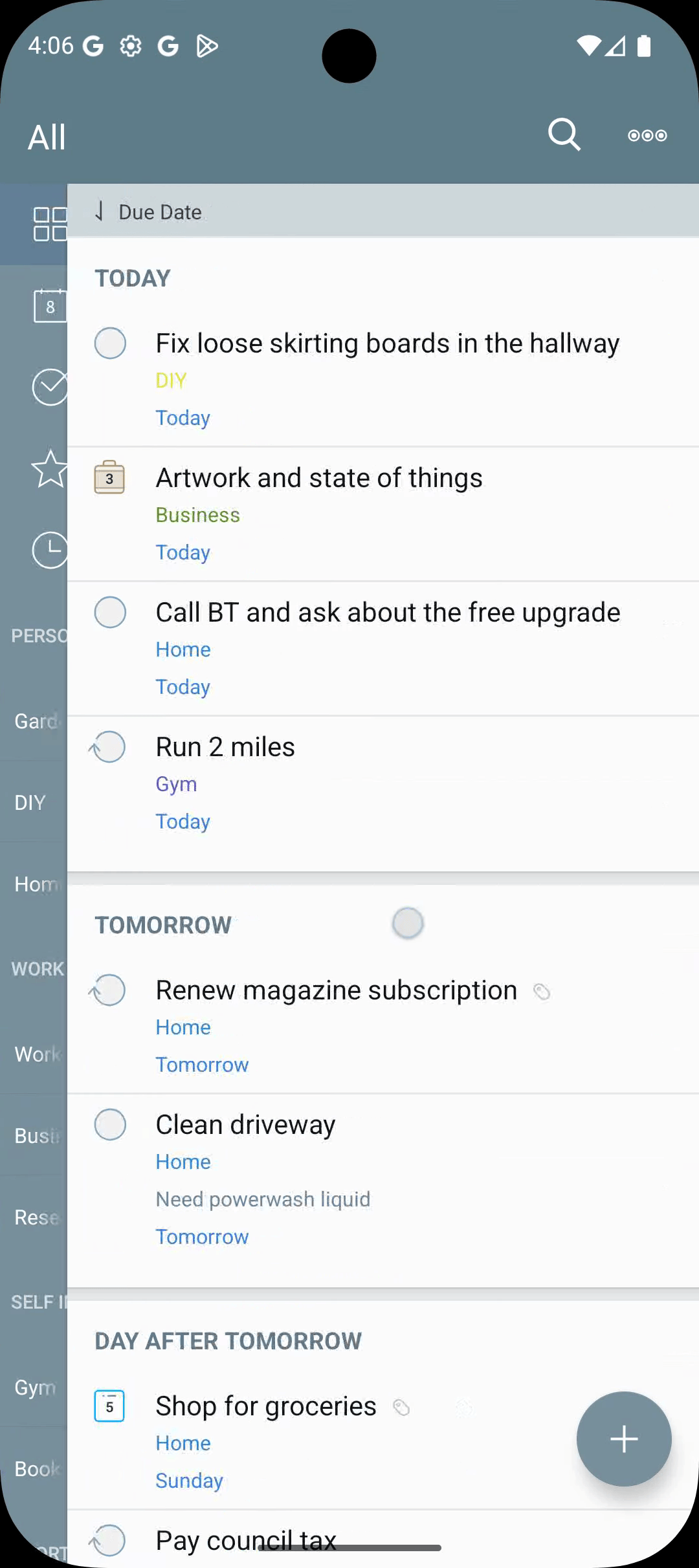
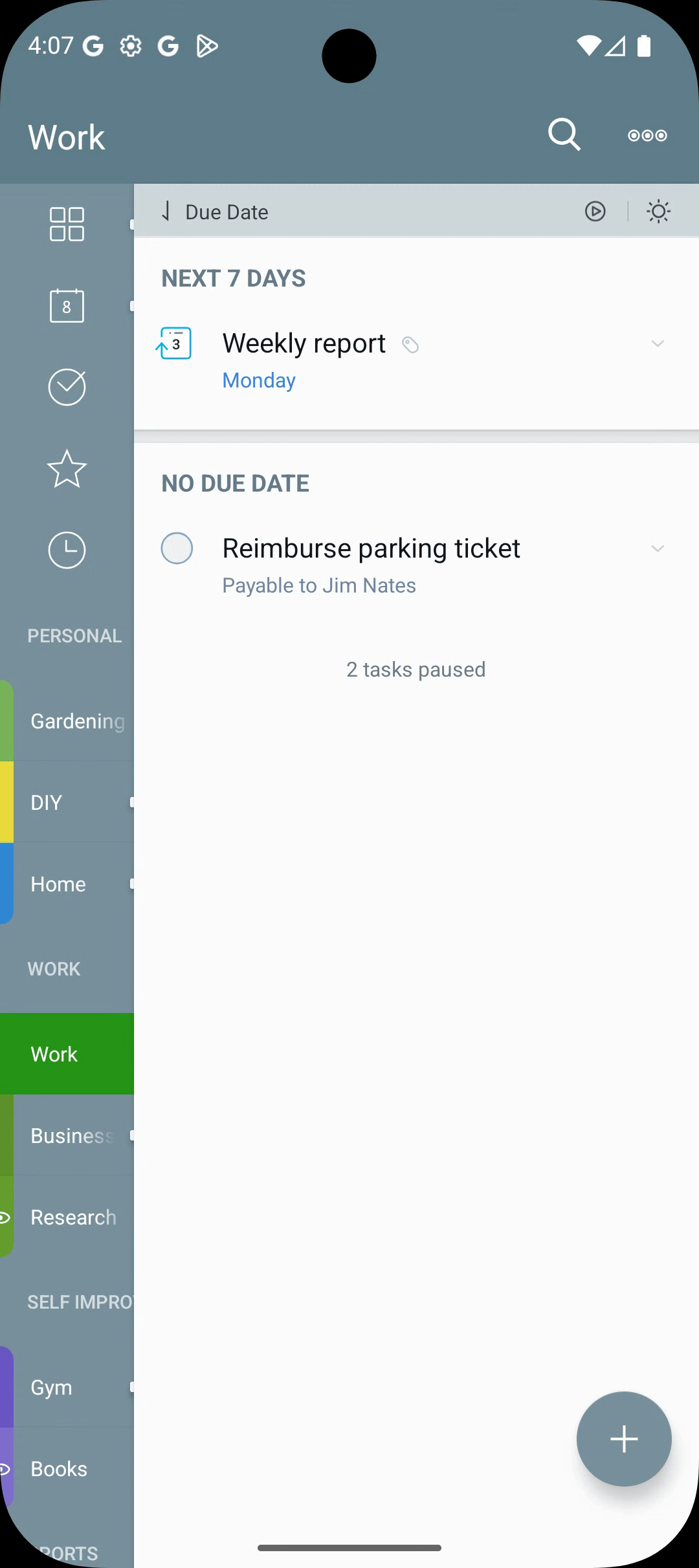
- Toggle the paused indicator on the sort bar (top of the task list) to show or hide paused tasks alongside the normal view.
- Use the search keyword
type: pausedto surface paused tasks in search results.
Common Pause Patterns
- Pause
@waitingwhile you're on a long flight — anything blocked on someone else's reply steps out of view. - Pause
@homeduring work travel — chores you can't possibly do yet stop showing up. - Pause a project context (
@kitchen-reno) while you wait for materials — resume when the parts arrive.
Renaming and Merging Tags
Long-press a tag in the Tags view → Rename. Renaming to the name of an existing tag offers to merge them — handy for typos.
Sorting and Grouping by Tag
Switch the Task List sort to Sort by Tag (overflow menu → Sort By → Tag) to group tasks under their tag for an at-a-glance review.
Tags in Smart Lists and the Focus Filter
Tags are first-class in the rule builder:
- "All tasks tagged
@phonedue in the next 7 days." - "All tasks tagged
@waitingwhose tag isn't paused." For more, see Smart Lists and Focus Filter.