
2Do for Web
Looks like a Mac app. Feels like a Mac app.
Except it’s running in your browser.
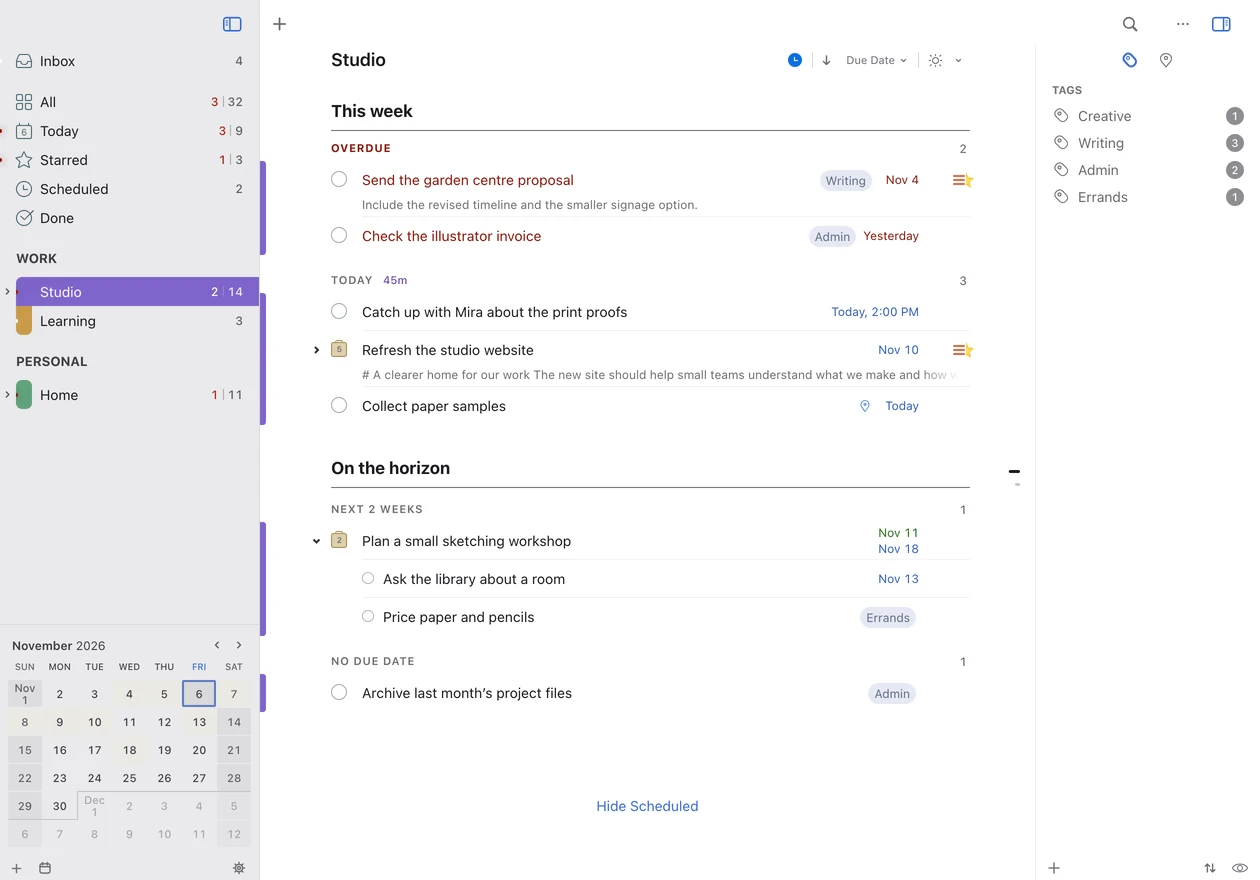
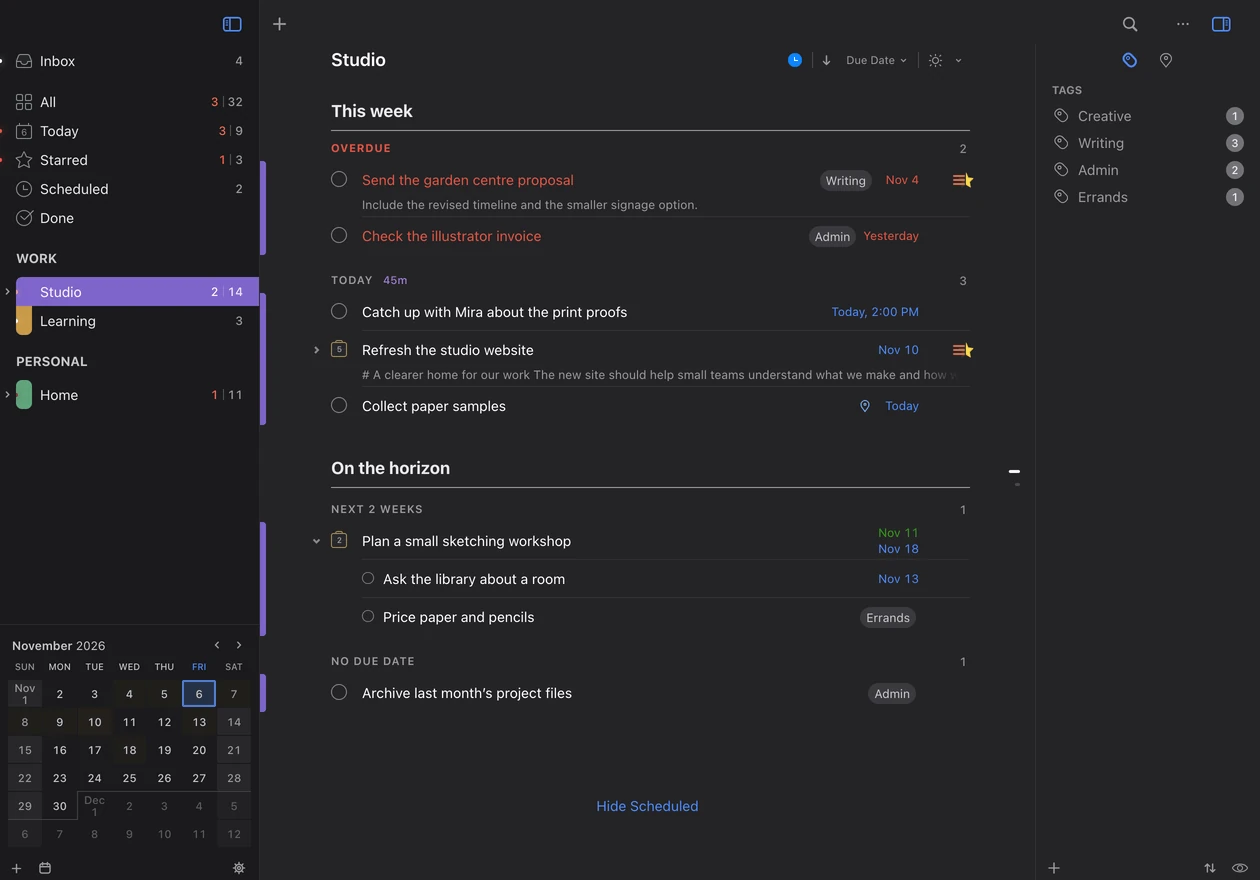
Windows, Linux, Chromebook, Mac, or mobile
Use 2Do in Safari, Chrome, Edge, or Firefox on your computer, phone, or tablet. Plan your week on your computer, then check your tasks from your phone.
Included with 2Do for Mac
2Do for Web is included at no extra charge with 2Do for Mac, whether you buy from our store, the Mac App Store, or Setapp.
A direct license includes Web access during its update coverage period. Mac App Store and Setapp subscriptions include Web access for as long as they’re active.
If you don’t own a Mac, buy a 2Do for Mac license from our store to get Web access.
iCloud List Sharing
Your shared lists, in your browser
Open lists shared with you through iCloud alongside your own tasks. Check family plans and shared projects in one place.
Learn More →Natural Language Input
Add tasks in your own words
Type a task such as Call Sam tomorrow at 10am and 2Do sets the date and time. You can also enter repeat rules and tags in the task title.
Learn More →Attachments
Pictures & Audio Notes
Attach pictures and audio notes to your tasks so the details are easy to find when you need them.
Learn More →The 2Do you know from your Mac
Create projects and checklists, organize tasks into sections, and find tasks with tags and Smart Lists. Plan with start dates, due dates, and repeats, and add details with Markdown notes.
Explore the featuresSync with your iCloud account
Use the same Apple Account in 2Do on the web, Mac, iPhone, iPad, and Android. Choose iCloud sync on each device to see the same tasks.
 iCloud
Your tasks stay in your iCloud account
Your task database is stored in your iCloud account and in your browser. We don’t host a copy of it.
Read the 2Do for Web privacy policy to learn more.