2Do Android


Tasks in Your Pocket for Pros, Students, and Scholars Everywhere—Stay on Top of It All!











Tasks. Tamed.
2Do was designed to meet your need for speed. Capture a passing thought, turn it into a project when it deserves structure, and keep the details close — notes, tags, dates, alerts, and checklists, all one tap away.
2Do has been refined over years of careful work, with thoughtful feedback from students, parents, professionals, and lifelong list-keepers along the way. Every detail — from the way Quick Add behaves to the smallest gesture in the editor — has been considered, weighed, and earned its place.
From a quick grocery list to a full-blown GTD® workflow, 2Do flexes to fit. Everything you need, nothing in your way 🐝
Capture before it slips away
Hold down the multi-purpose + button and Quick Add gives you a focused capture field, a destination list selector, and fast date shortcuts for Today, Tomorrow, the day after, or no date.
Outside the app, use the launcher shortcut, Android share sheet, selected-text action, or 2Do Quick Add tile in Quick Settings. Sticky Alert can also keep today's tasks visible in the notification area.
Projects, Checklists & Project View
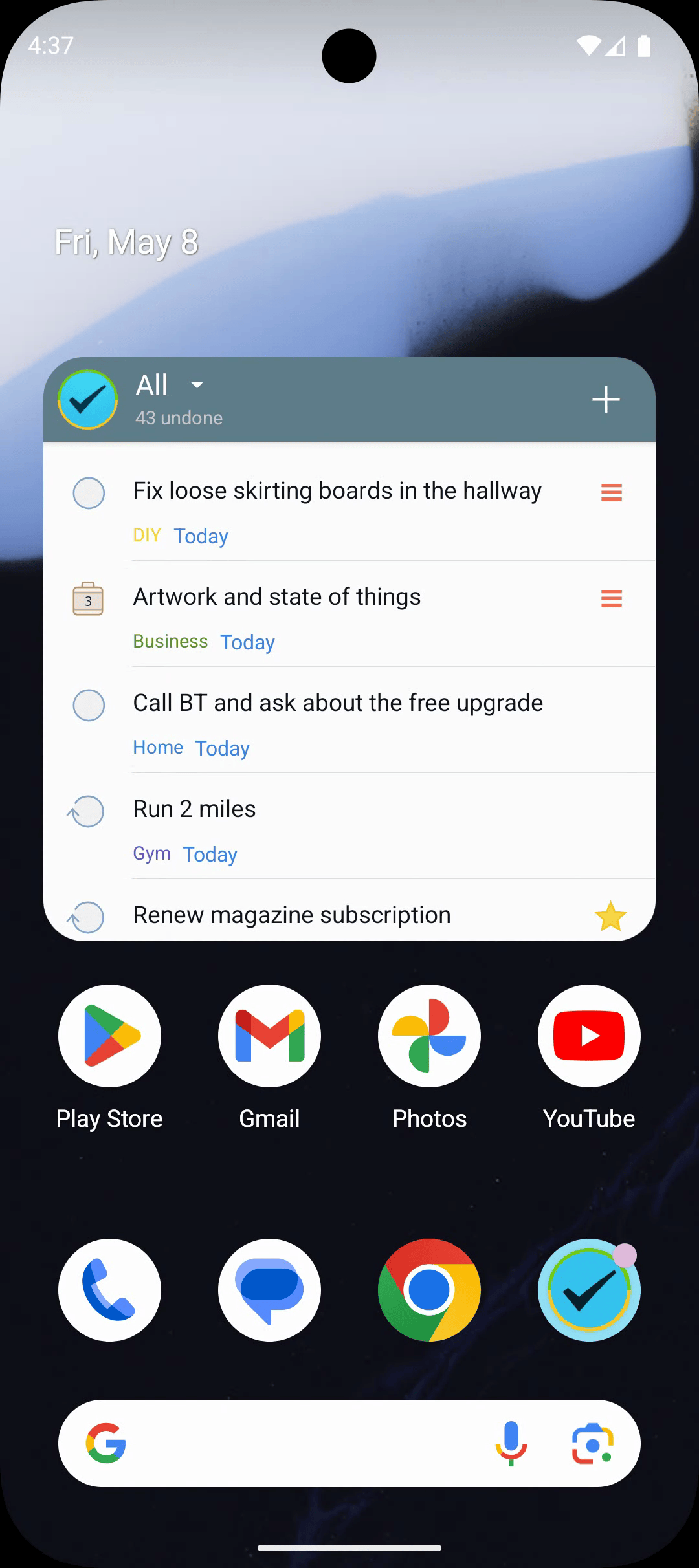
Take control of your complicated life with a combination of tasks, projects, and checklists. Project View zooms straight into the work inside a single plan; color-coded lists and groups keep everything else calm and orderly.
Tags, Focus Filters & Smart Lists
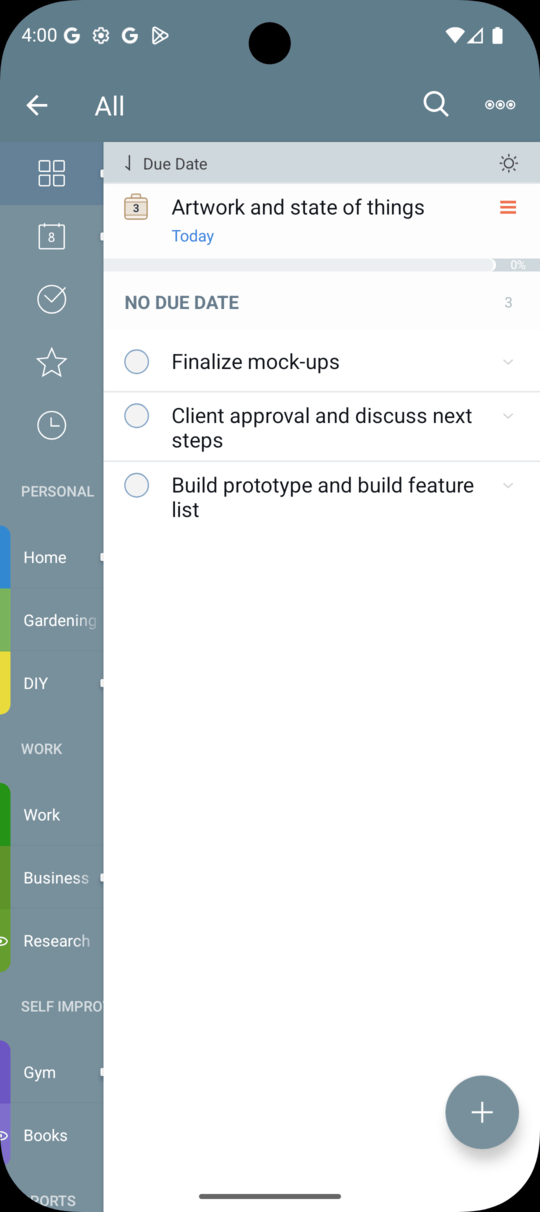
Tap any tag in the panel to instantly filter the task list to just that context — work, errands, @phone, whatever fits the moment. Tap a second tag to combine. Tap once more to clear. The right slice of your day, one tap away.
Group your tags into contexts that mirror how you actually think. Smart Lists turn your most-used filters into reusable views — overdue, this-week, errands nearby, or anything you can describe.
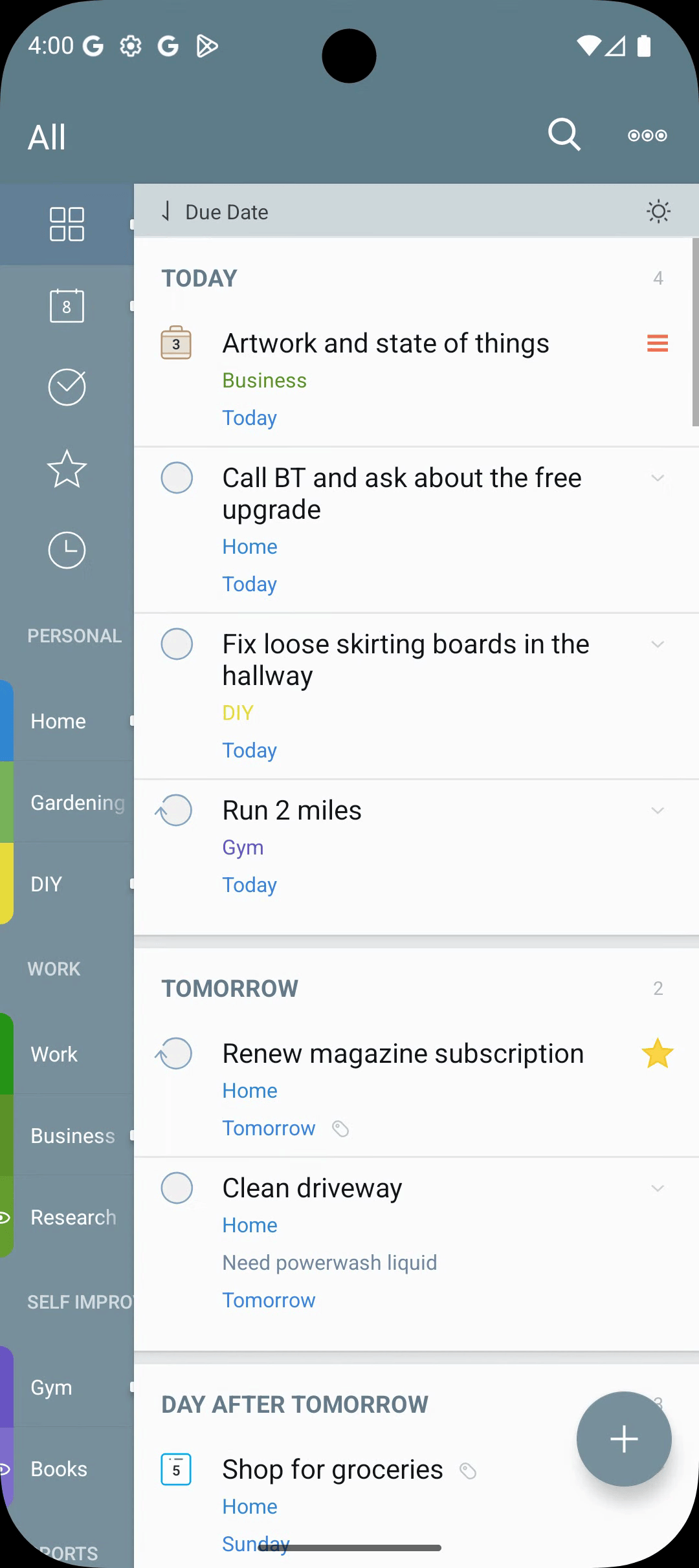
Pause a tag — put tasks to sleep
Some tasks belong in your system but not in your face — the home renovation, the someday reading list, the side project you’ll come back to next quarter. Pause the tag that holds them and every carrying task disappears from view. All. Today. Search. Quietly hidden, not deleted.
Unpause when you’re ready, and the whole context returns exactly as you left it. It’s the calmest way to keep an honest task list without drowning in everything you might one day do.
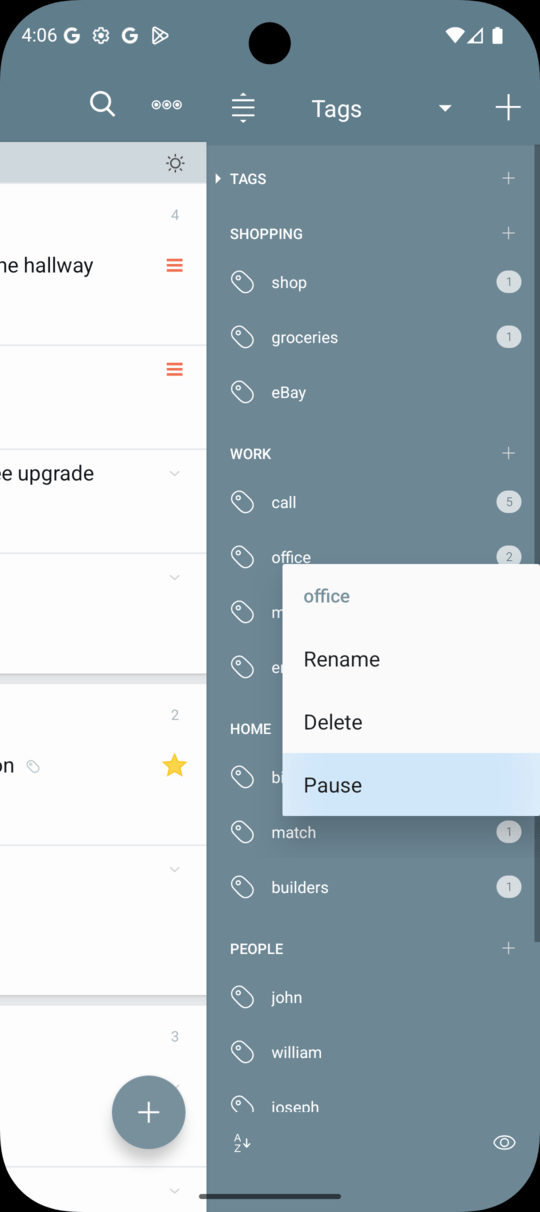
The Focus Filter — your magic switch
One tap toggles between everything you have and just-what-matters-right-now. The Focus Filter is the lens 2Do quietly built around — sculpt a rule once (high-priority work due this week, tagged @phone, in your Home list), and from then on a single button switches your view to that perspective and back.
Each list remembers its own focus. Your work list and your errands list don’t need to share the same idea of “important.” And because it’s the same rule engine that powers Smart Lists and Search, anything you can describe, you can focus on.
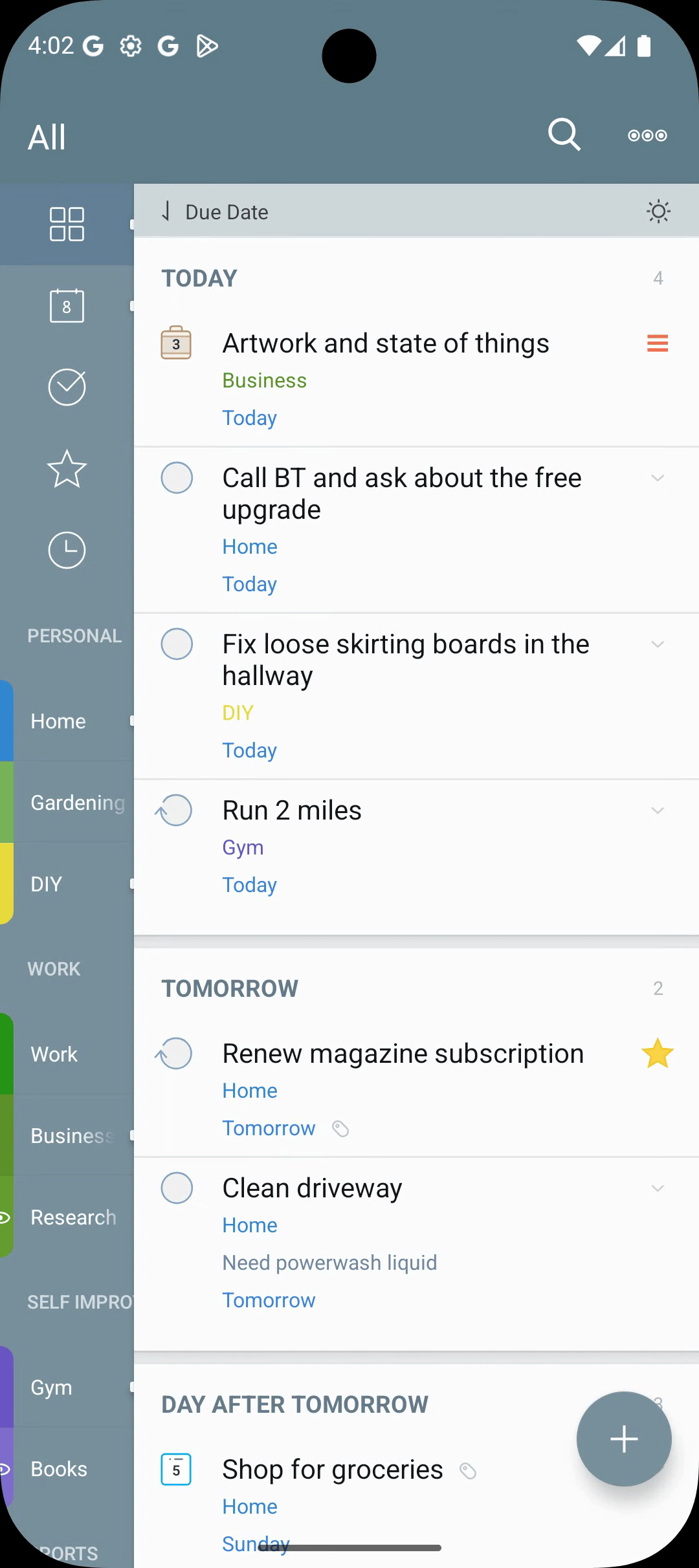
Search like you’ve never experienced
From dynamic date-range searches to full-text soundex matching, 2Do does search differently. Misspell a name? It still finds it. Describe a window of time? It still scopes it.
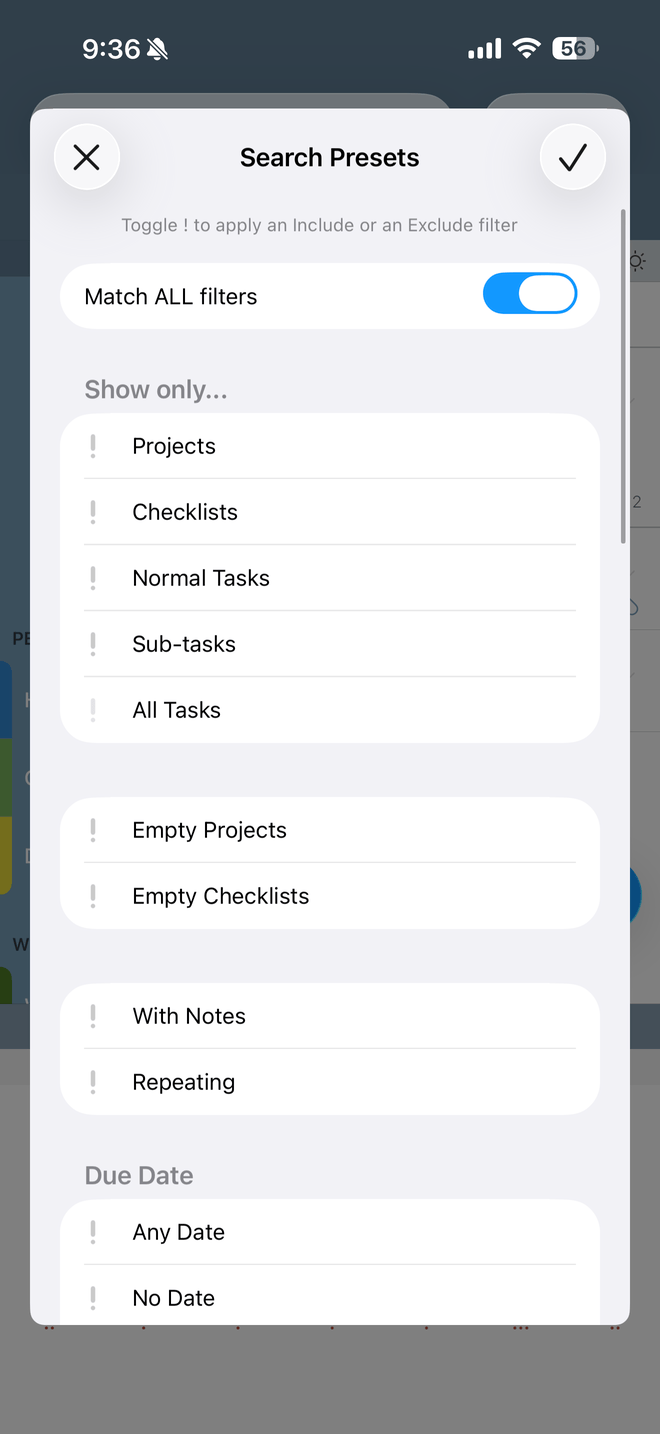
Batch Editing — many tasks, one move
Tap into batch-edit mode and your task list turns into a multi-select canvas. Pick a stack of tasks, then defer, schedule, tag, move, star, or clean them up — all in a single move. Repetition is for tasks, not for editing them.
The same engine works wherever a task list lives — a real list, a Smart List, the Today view, or search results. Combine it with the date filter and you can defer everything due Friday to next Monday in three taps.
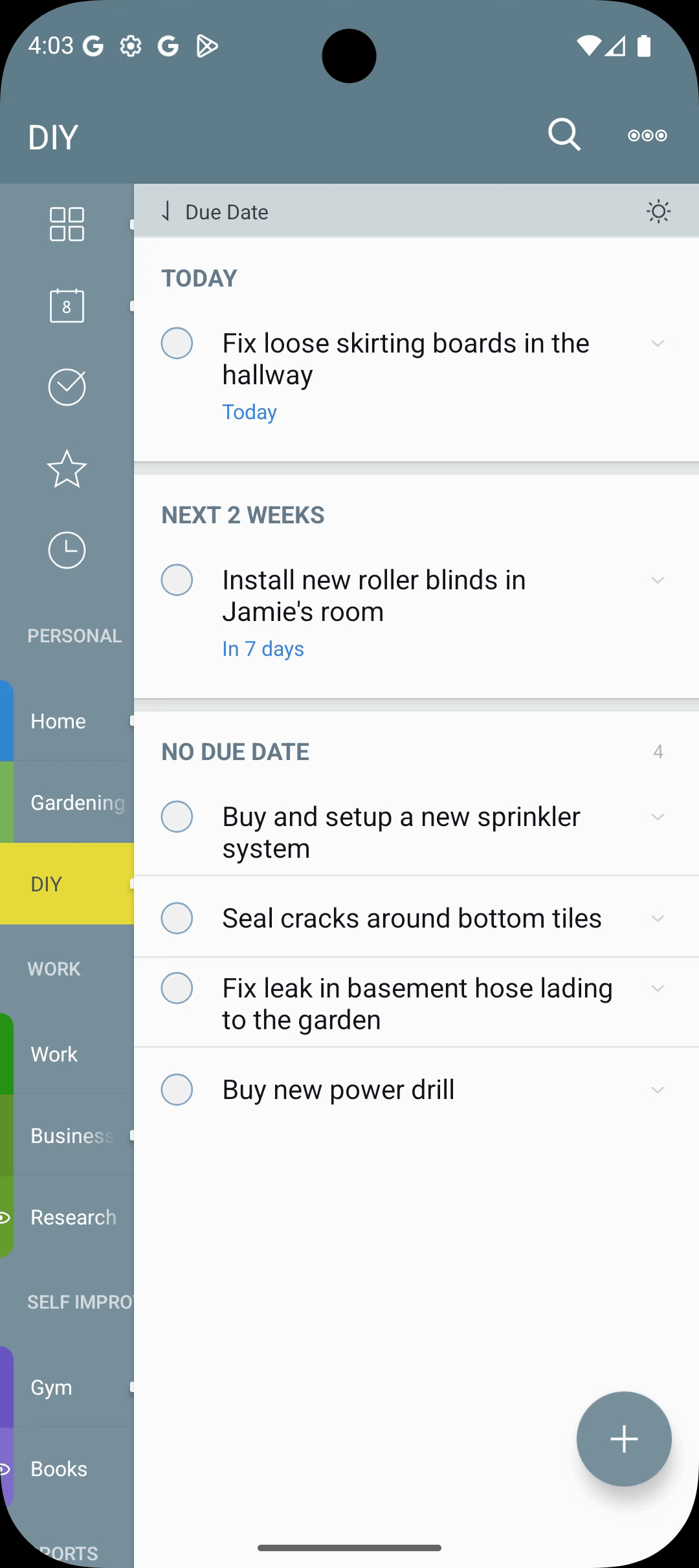
Widgets & Sticky Alert
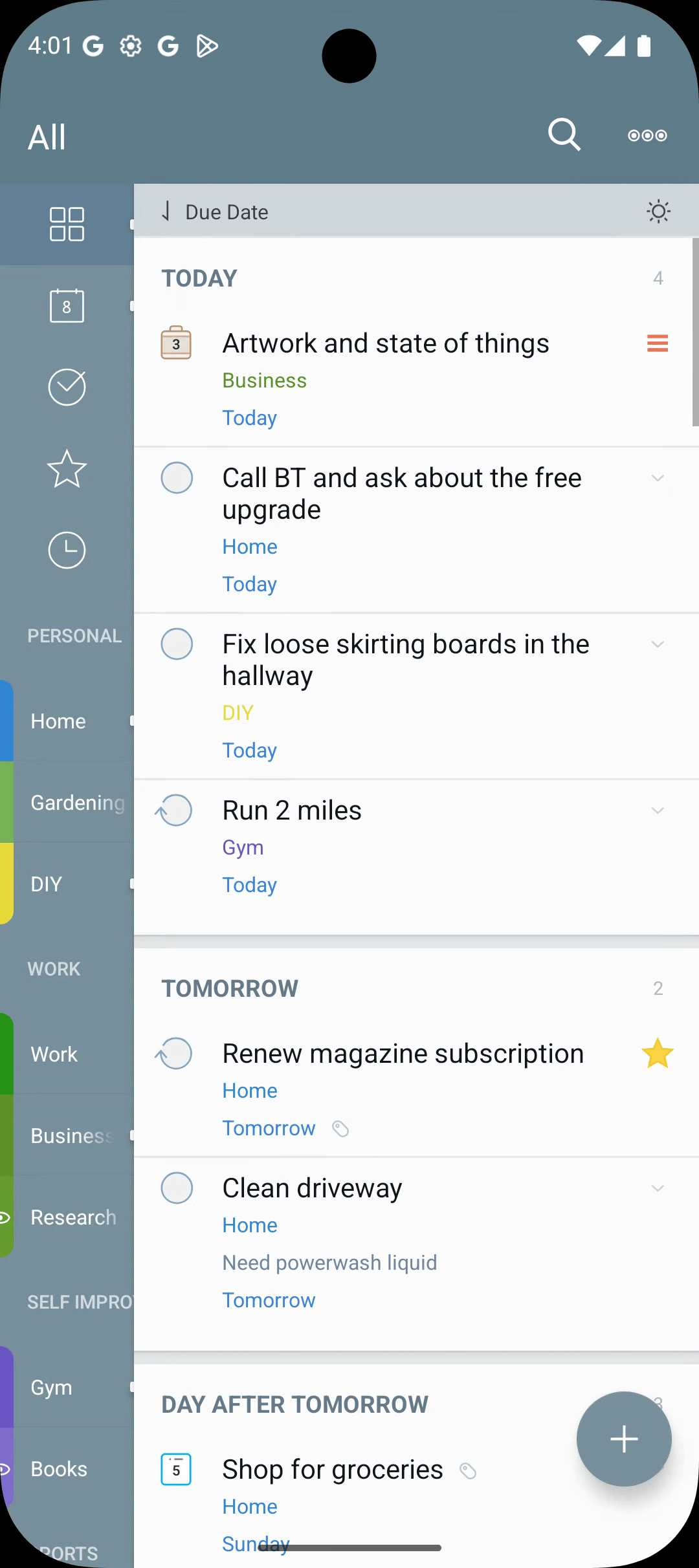
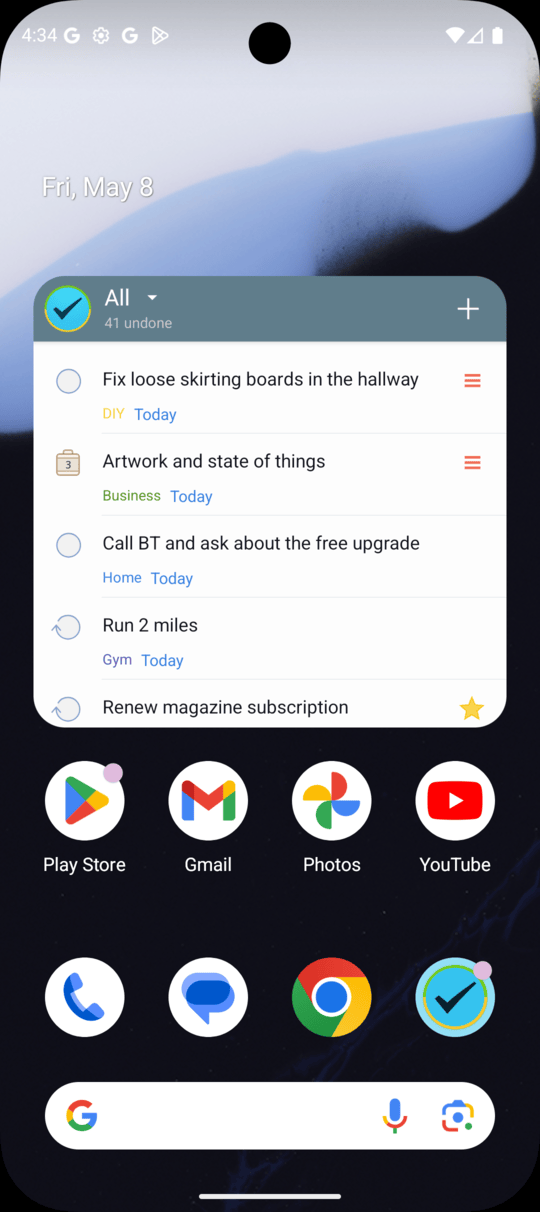
Pin a list, Focus List, Smart List, or a counter directly to your home screen. The transparent Task List widget blends into your wallpaper while still keeping the day's work one glance away.
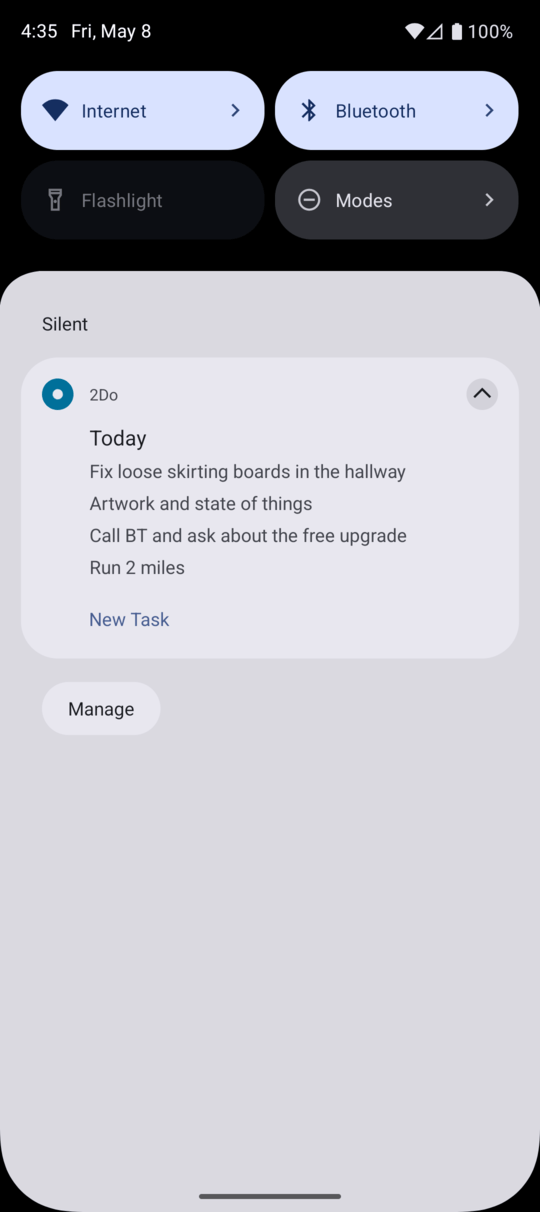
Prefer a notification? Turn on Sticky Alert and 2Do keeps today's tasks visible in the notification drawer — capture and review without ever opening the app.
The Sticky Alert
The Sticky Alert is an ongoing notification that keeps today's tasks pinned in the notification drawer. Glance at it from the lock screen, your wrist, or any app — without losing your place.
Pair it with the 2Do Quick Add tile in Quick Settings and you have a complete capture-and-review loop without leaving the system shade.
Sync, Backups & Protection
Sync your tasks the way you want — Dropbox, iCloud CalDAV, Toodledo, or another CalDAV server. Lock private lists when prying eyes get curious. And rest easy knowing automatic backups have your back. 2Do treats sync as your bridge between devices, not as a requirement to store your data with us.
Projects
Notifications
Search
Tag Groups
Smart Lists
Smart Scheduling
Protection
Actions
Repeating Tasks
Batch Scheduling
Backups
Quick Settings & Sticky Alert
Sliding Panels
Secure Sync
Your Data, Your Rules
We believe your tasks are your life, and your life is private. Everything 2Do knows stays on your devices, and it travels only to the service you choose.
No funny business, just thoughtful task management. See our privacy policy for more details.
The Word on the Street
I love this app!
I love this app! You can add URLs, phone numbers, etc that will open when you tap them. You can set up filters for most anything. Reminders work perfectly. Create lists, projects, checklists, single tasks, start date, due date, custom repeat, etc. Add tags. I can't think of anything this app is missing. I use it every day.
THE BEST organizational todo list app
I promise you this is THE BEST organizational todo list app out there! Believe me I have tried them all I should be an expert at this point lol I am all about organization and my todo list and this app has been a life saver, since I can remember!
Easy to use & effective way to organize tasks
Easy to use & effective way to organize tasks. I make different categories - work, home, school - then pop in tasks or lists. Easy to add things on the go. Love the reminder and due date features.