



The Task App Trusted by Pros, Students, and Scholars Everywhere—Get More Done!











Reimagine your productivity
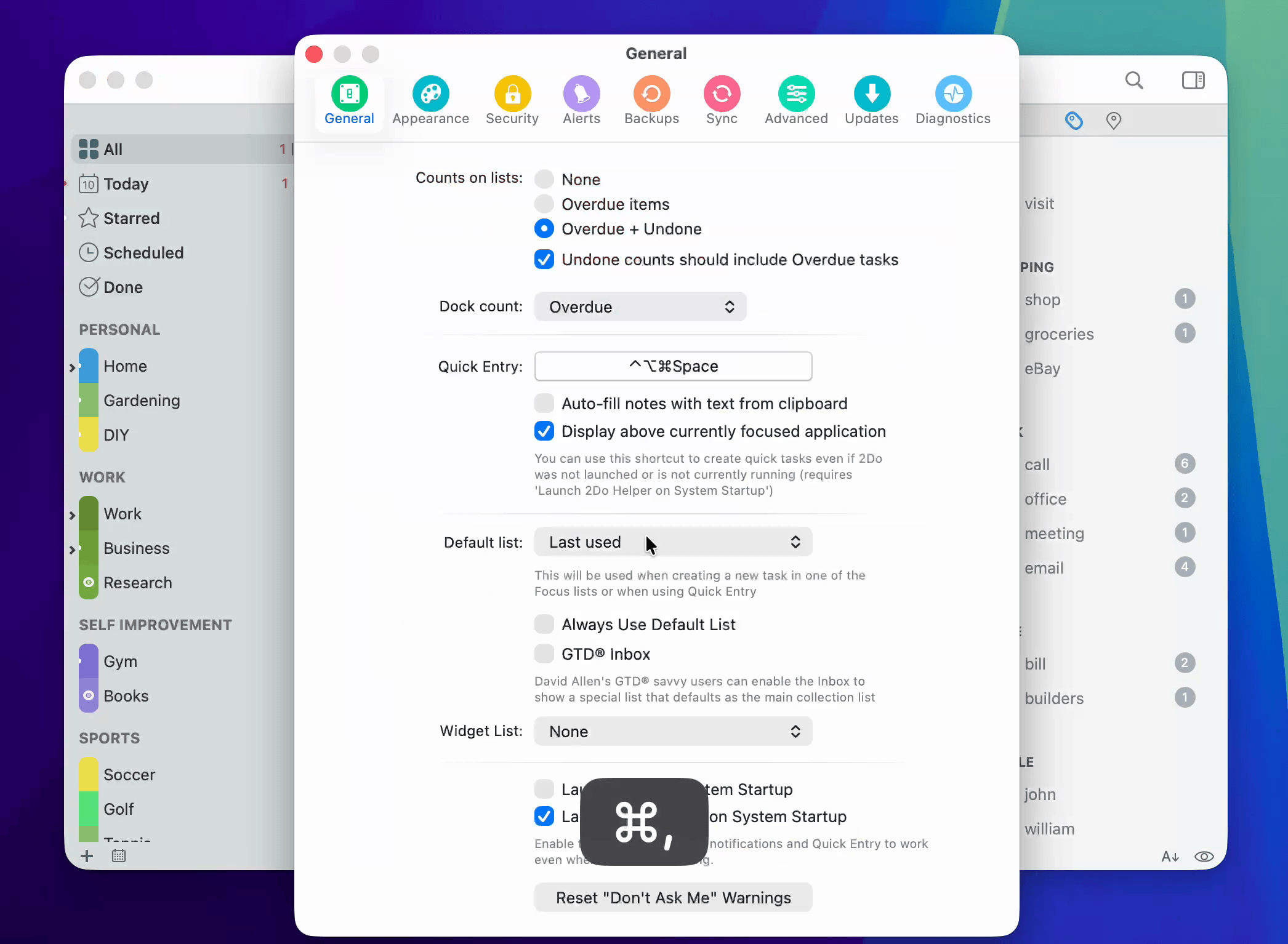
2Do Mac is the most powerful personal task manager you can put on a desk. Lists, projects, checklists, tags, smart views, notes, alerts — all working together, in a workspace built for the way real plans actually unfold.
Use it as a quick task list, or push it into full-blown GTD® territory. Either way, 2Do flexes with you — fast when you need to capture, calm when you need to think.
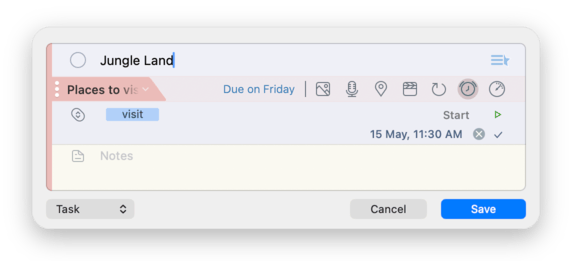
Quick Entry — works everywhere
A passing thought is the worst thing to lose. Trigger Quick Entry from anywhere on your Mac — even when 2Do isn’t the app in front, and even when it is not running if 2Do Helper is enabled — and your idea becomes a task, project item, checklist entry, or a dated reminder before it slips away.
Quick Entry mirrors the main editor exactly, so you’re never working with a stripped-down second workflow. Same fields. Same shortcuts. Same speed.
The Focus Filter — your magic switch
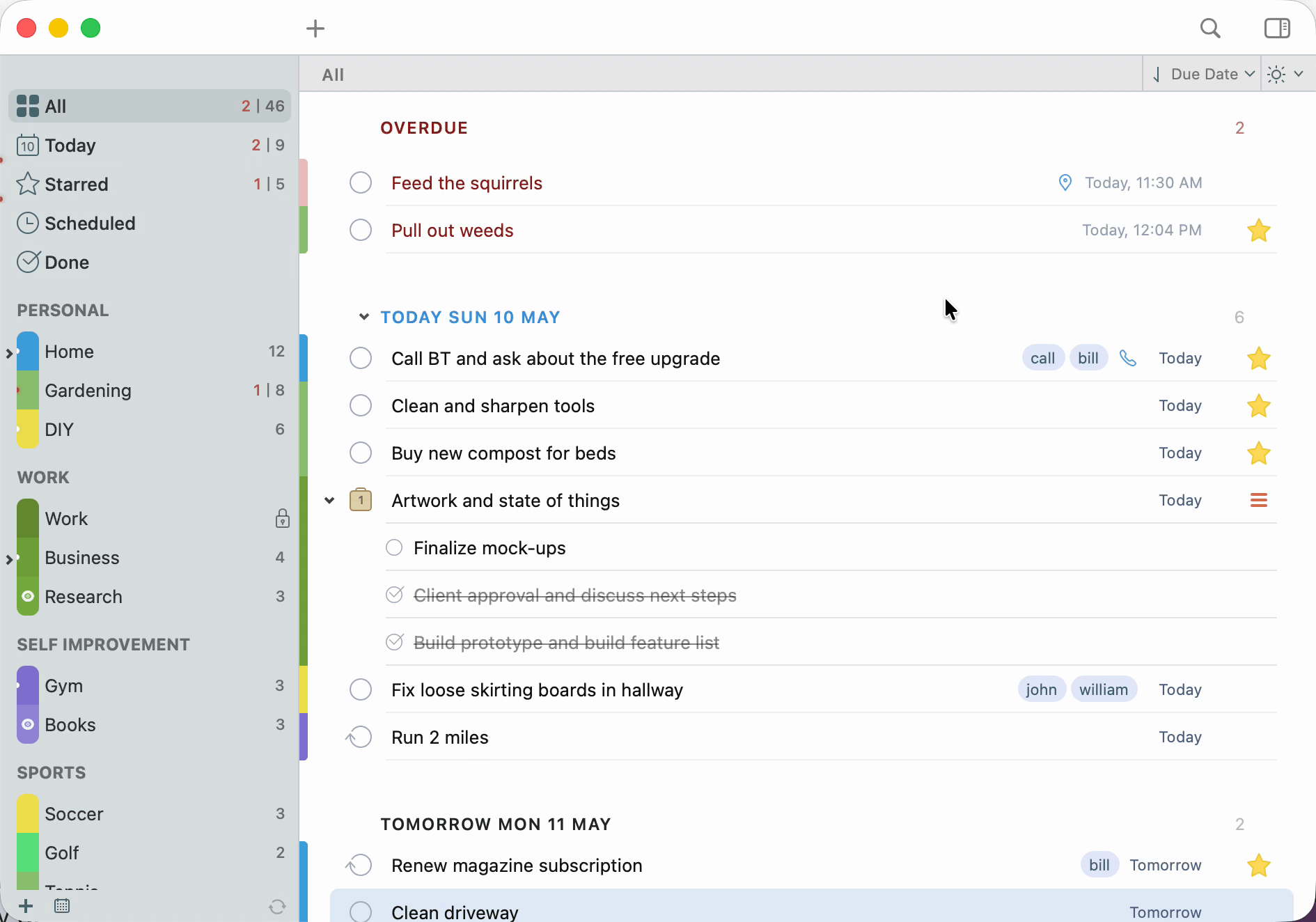
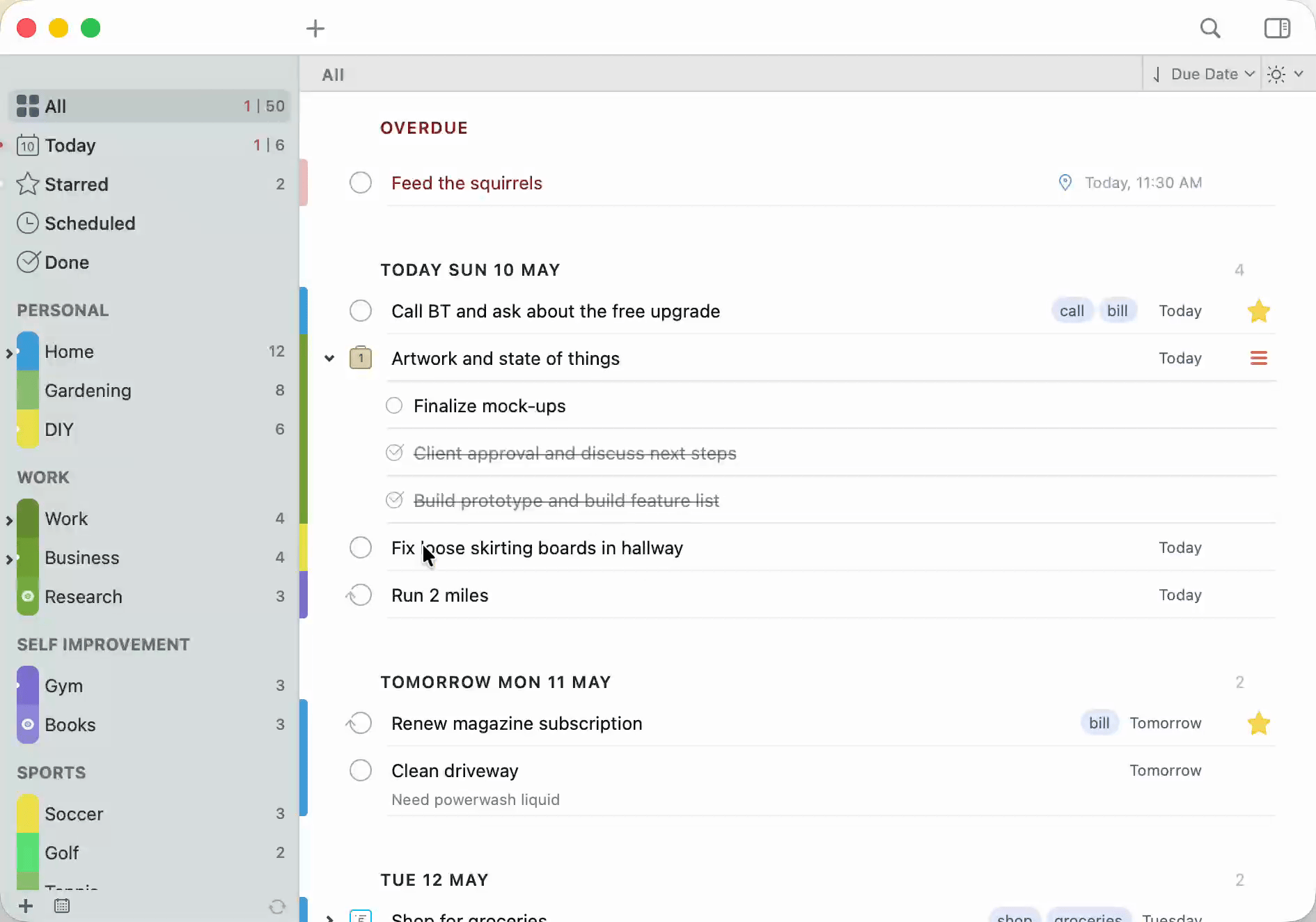
One click toggles between everything you have and just-what-matters-right-now. The Focus Filter is the lens 2Do quietly built around — sculpt a rule once (high-priority work due this week, tagged @phone, in your Home list), and from then on a single button switches your view to that perspective and back.
Each list remembers its own focus. Your work list and your errands list don’t need to share the same idea of “important.” And because it’s the same rule engine that powers Smart Lists and Search, anything you can describe, you can focus on.
Lists, Projects & Checklists
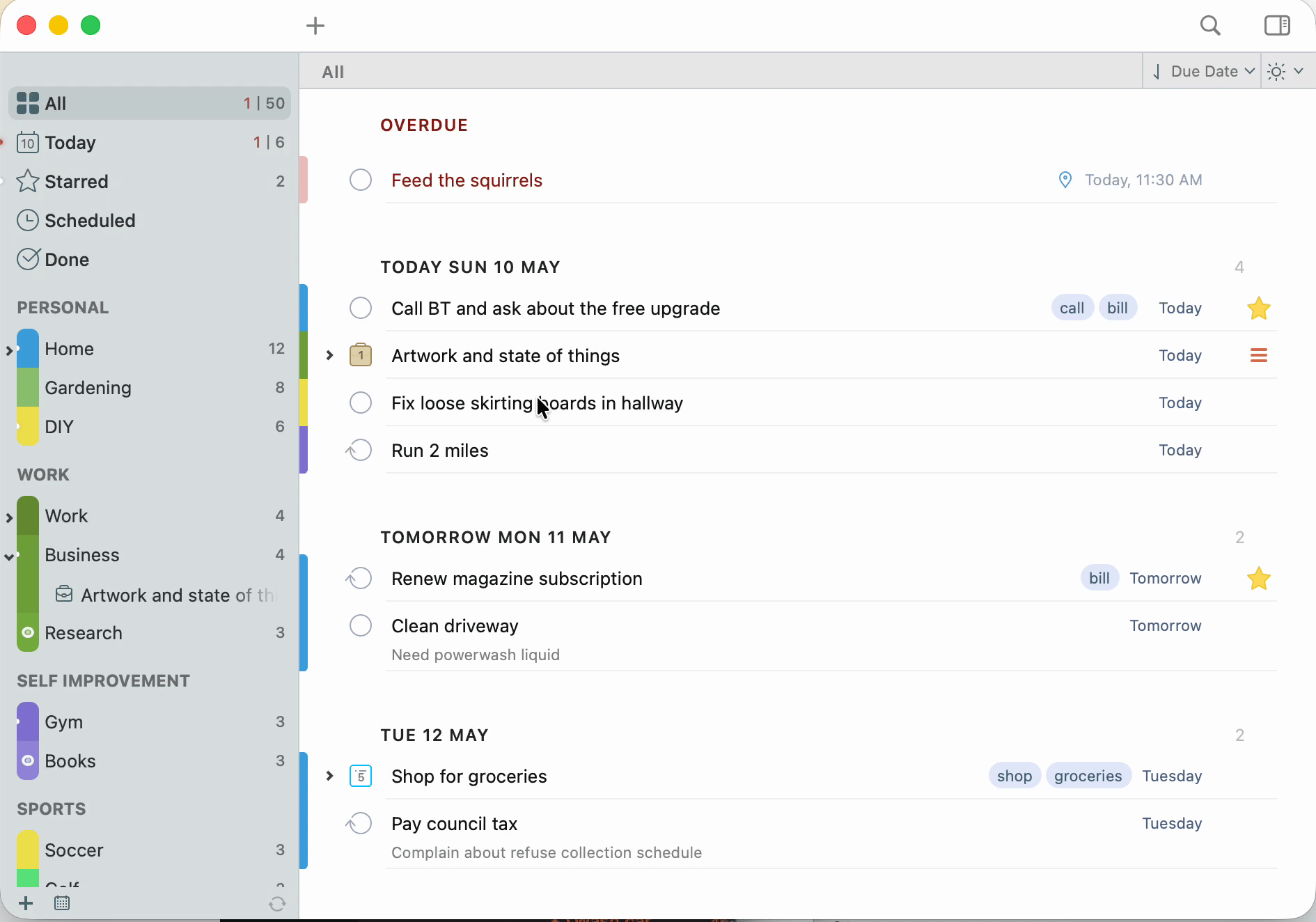
Take control of your complicated life by combining tasks, projects, and checklists. Color-coded lists keep related work together; List Groups pull a sprawling system back into something calm. Lock individual lists, hide future tasks, or stage a list outside your default Focus — your workspace, your rules.
Each list keeps its own sort, its own focus, its own behavior. Work, personal, errands, and someday don’t need to share the same rulebook.
Pause a tag — put tasks to sleep
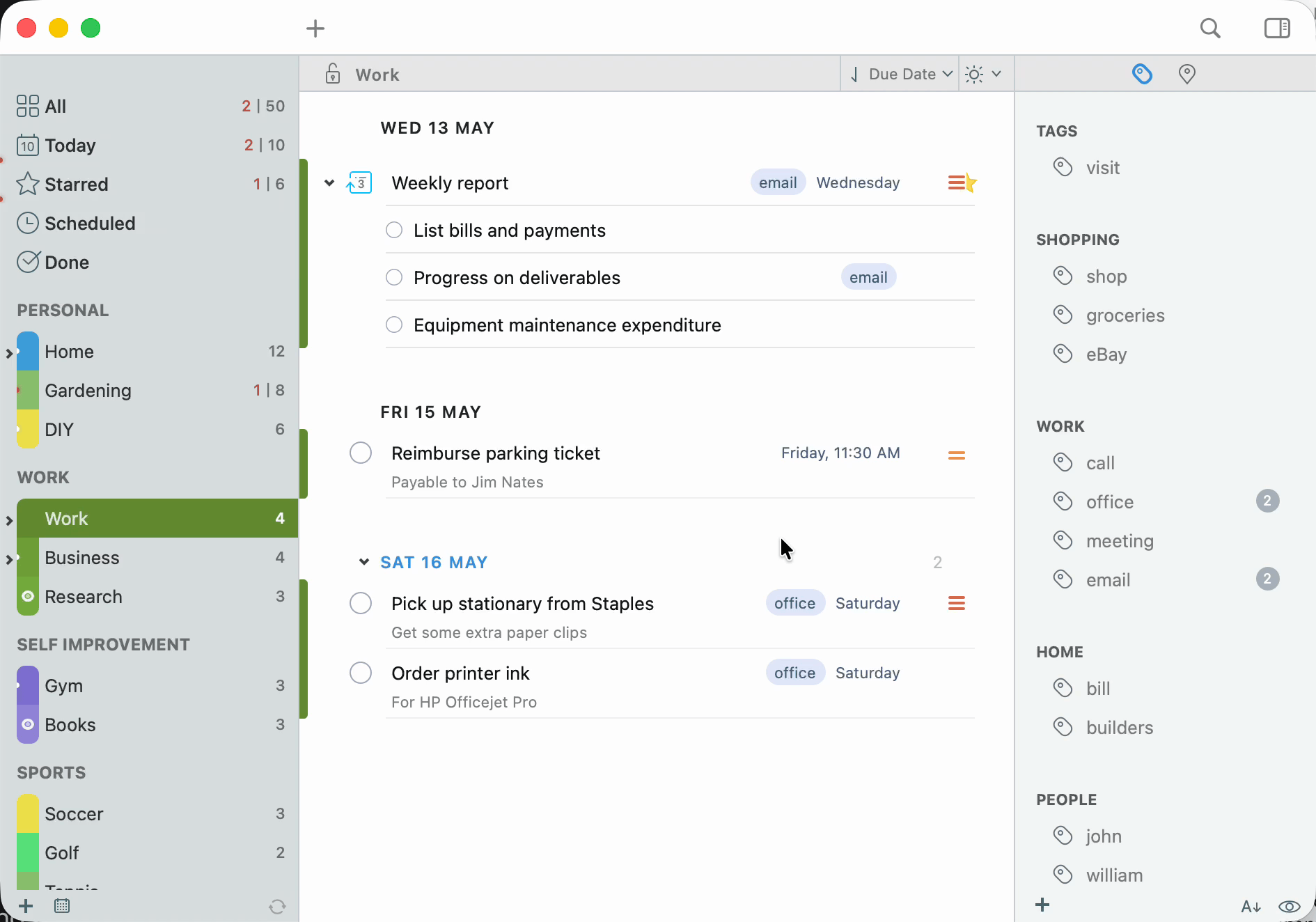
Some tasks belong in your system but not in your face — the home renovation, the someday reading list, the side project you’ll come back to next quarter. Pause the tag that holds them and every carrying task disappears from view. All. Today. Search. Notifications. Quietly hidden, not deleted.
Unpause when you’re ready, and the whole context returns exactly as you left it. It’s the calmest way to keep an honest task list without drowning in everything you might one day do.
Advanced Search & Smart Lists
Build precise searches across titles, tags, notes, dates, and every other detail 2Do tracks — then save them as Smart Lists. Your weekly review, your stalled projects, your high-priority work, and your nearby errands all become a single click away.
Smart Lists are perspectives, not folders. The originals stay where they belong; the views show up wherever they’re useful.
Drag, drop, defer — together
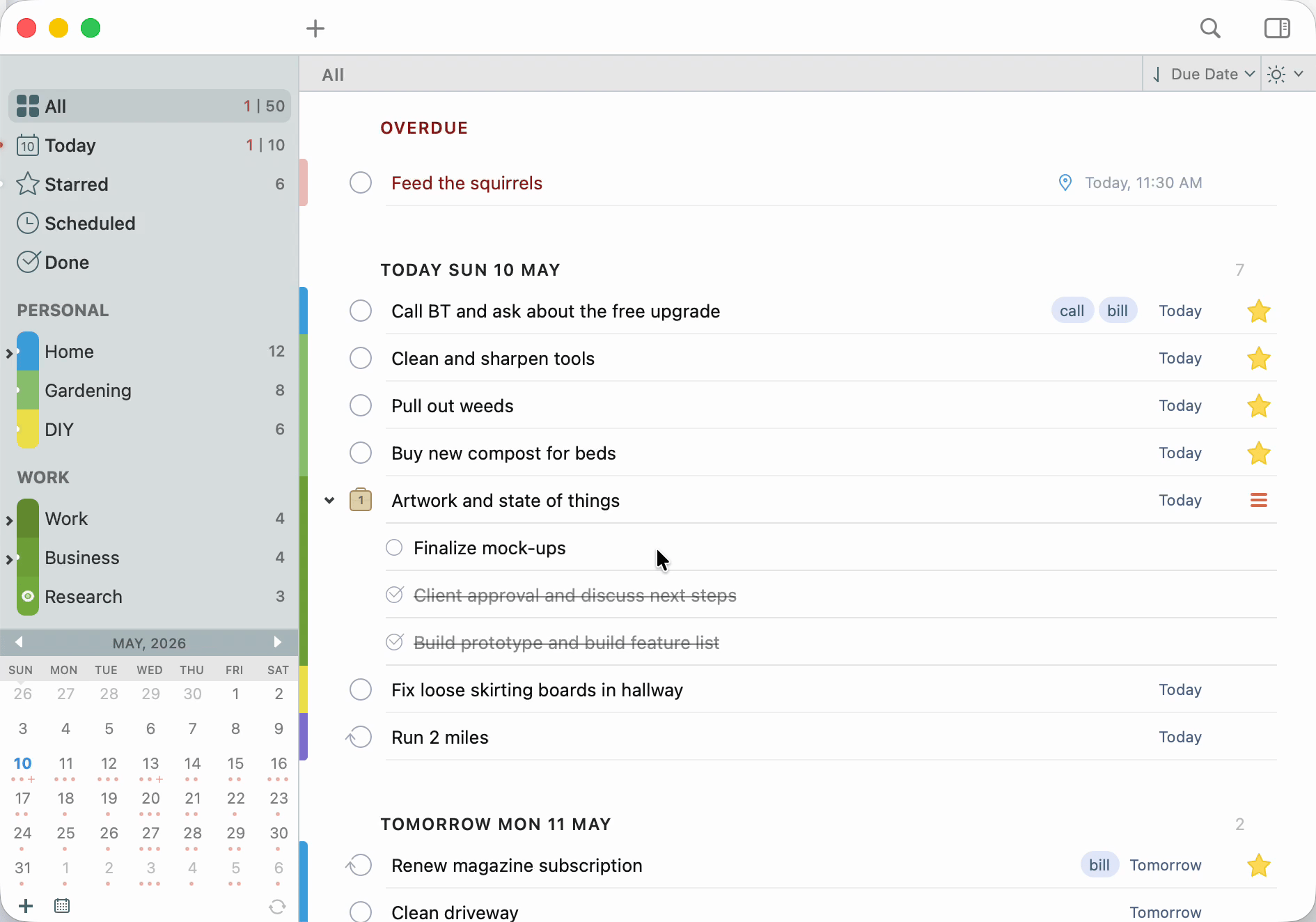
Select a stack of tasks, drag them onto the Drag Bar, and reschedule, copy, share, or clear them in one move. The same drag-and-drop fluency works across lists, tags, dates, and projects — every detail editable without diving into a single task.
Adjust priorities in two clicks. Toggle list-name visibility with a single Option key. The kind of small touches that quietly disappear weeks of busywork.
The Utility Panel — Tags & Nearby
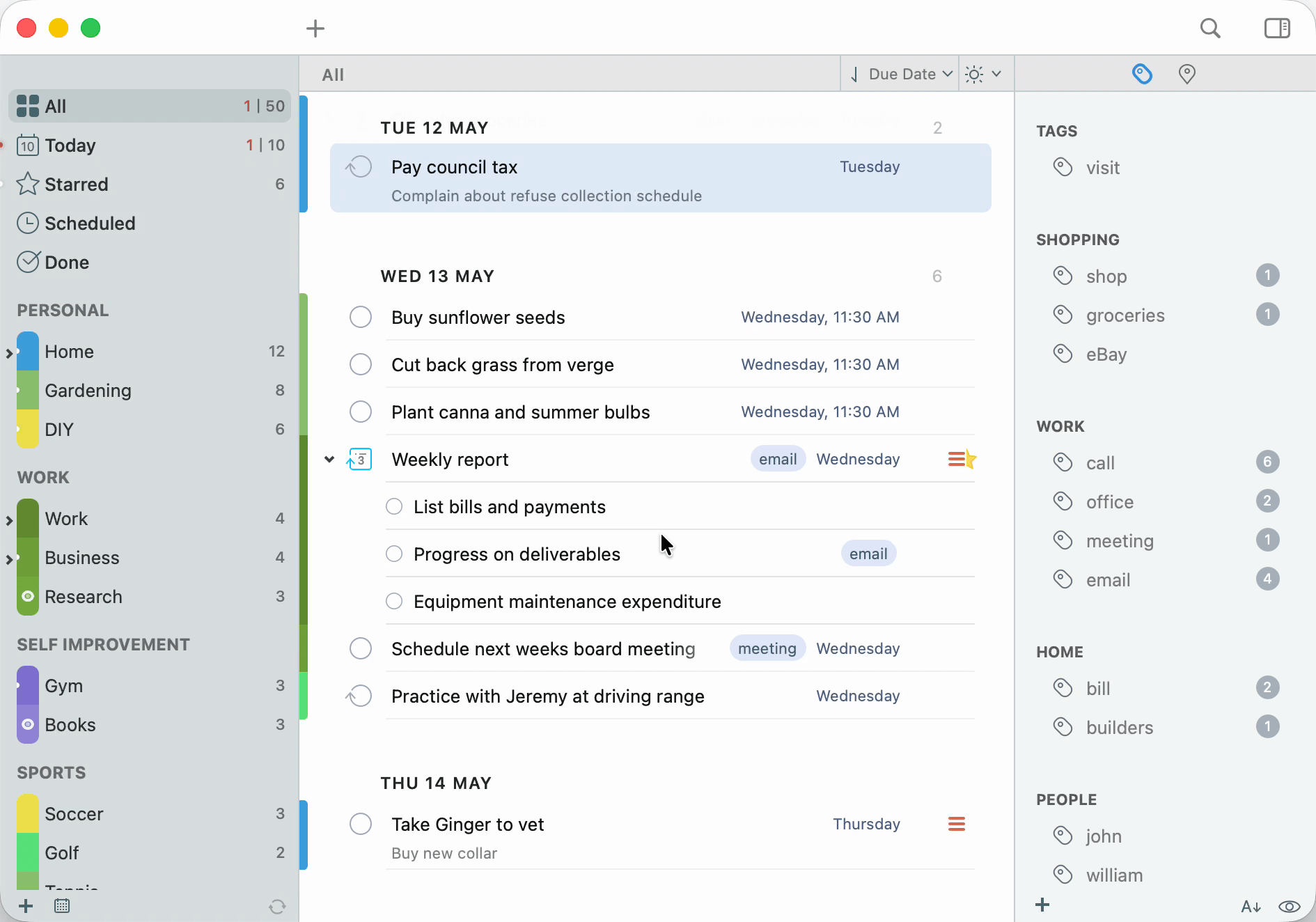
Tags, Tag Groups, and the Nearby panel live one click away in the utility panel. Filter by place, person, energy, or any combination — pull up the next useful action without rearranging the whole system.
Tag Groups gather related contexts so a sprawling tag library stays calm. The Nearby map surfaces location-aware tasks the moment you’re close enough to actually do them.
Notifications & Nagging
Stack multiple alerts on a single task, with sound or text. For the things that simply must not slip, turn on Nagging — 2Do will keep gently (or insistently) reminding you until the task is done.
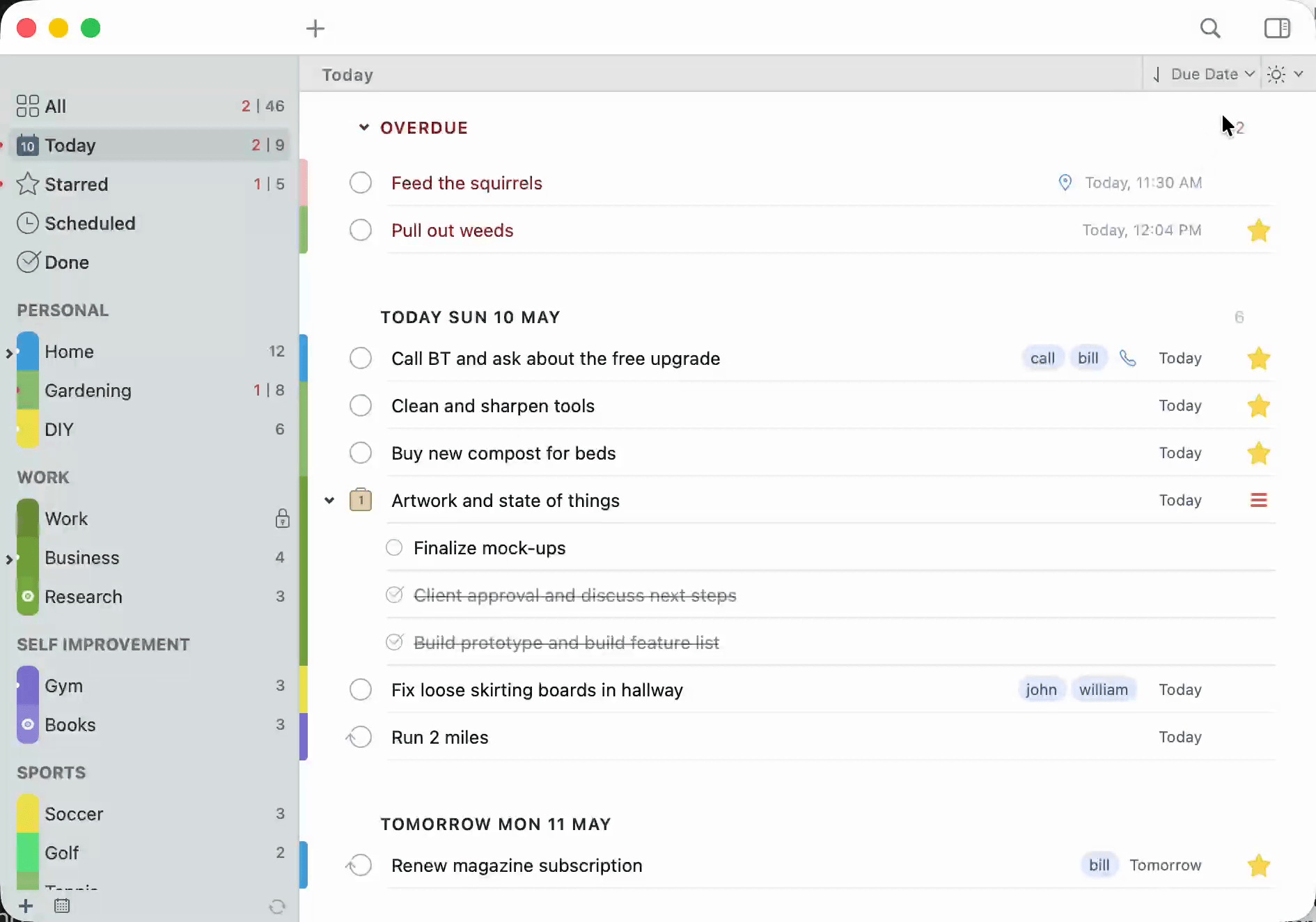
Overdue notifications are redesigned to blend in with the interface while staying impossible to miss. A glowing dot quietly appears on a list when something due today is hiding inside.

Actions — every task can do more
Attach a URL, a phone number, an address, an email, a Google search — any of it directly to a task, so the next step is a single click instead of a context-switch hunt. Make the call, open the map, fire the search, send the message. Done.
Protection, Backups & Sync Choices
Lock private lists with a click, keep automatic backups ready for the day you need them, and sync through the service of your choice — Dropbox, iCloud CalDAV, Toodledo, or another CalDAV server. 2Do treats sync as your bridge between devices, never a requirement to store your data with us.
Your data stays portable, your workflow stays yours, and your tasks stay between you and the people you trust.
A Place to Land
Tag-Powered Views
Nearby
Durations
Smart Lists
Multiple Notifications
Repeating Tasks
Nagging
Today Widget & Share Extension
Preview Without Opening
Password Protection
Keyboard Shortcuts
14 Languages
Batch Editing
Smart Scheduling
URL Schemes
IFTTT Ready
Voice Capture
Print Your Lists
Secure Sync
First-Class Support
Your Data, Your Rules
We believe your tasks are your life, and your life is private. 2Do is designed around local-first ownership, so your task data stays on your devices and only syncs with services you choose.
No funny business, just thoughtful task management. See our privacy policy for more details.
The Word on the Street
Wish I’d starting using 2Do sooner
Gosh, I sure wish I’d started using 2Do years ago. Much to my surprise and delight, making this change was a relative breeze. I’ve found 2Do to be more powerful, have more useful features, be better looking and has the ability to be substantially more customized by the user than the previous app I’d been using.
I’ve trid most of them… this is the best
I’ve tried so many of these to do lists… and this is the one I just keep coming back to. I do use this on IOS, mac, and my iPad. Its a minor investment compared to what you get out of this if you use it well.
Best in class task management
I use 2do extensively every day to manage my life, both personally and professionally. Over the years I’ve tried other task management tools and systems but none of them have 2do's unique combination of design and usability.